
Buying software is buying an operating model
The questions that separate software that genuinely handles legal practice management software from software that only demos well. Most firms evaluate software for legal practice management software twice a decade, while vendors run demos every day — an asymmetry that decides more purchases than features do. The stories that end badly usually share a moment where the dashboard was beautiful and the daily workflow was not. The correction is not cynicism; it is a question set prepared in advance, asked of every vendor identically, with the firm driving the keyboard.
The questions below are ordered by how expensive the wrong answer becomes. Take one real matter into every demo — anonymised if needed — and run legal practice management software on it end to end. A product that stumbles on your genuine Tuesday work while excelling at its own script has answered the biggest question already.
Does the matter sit at the centre?
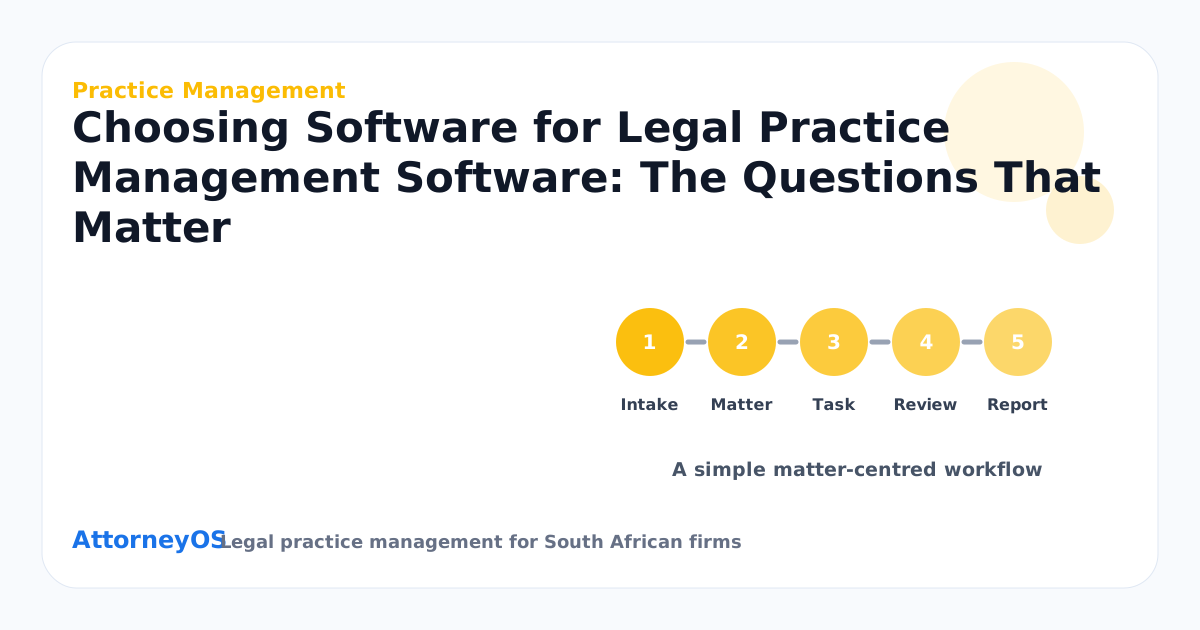
Ask to see one matter carrying everything at once: client link, tasks, diary dates, documents, notes, invoices and — where relevant — trust records. For legal practice management software, context is the product; a system that scatters these across modules gives you back the tool-switching you are trying to escape. Then ask the sharper version: can one client hold several matters, with the work cleanly separated? Products built matter-first answer instantly. Products built as generic CRMs improvise.
Who sees what, and can you prove it?
Permissions are confidentiality made operational. Ask how roles work — owner, attorney, candidate, accounts, support staff — and whether visibility is deliberate rather than default. Then ask for the audit trail: who accessed the sensitive record, who changed the setting, when. Under POPIA a firm should be able to answer those as questions of fact. A vendor who treats audit history as an enterprise upsell is telling you what tier of client they built for.
What happens to trust money?
Where legal practice management software touches trust at all, this section decides the purchase. Receipts, payments, refunds, reversals and transfers as distinct record types; corrections by reversal rather than deletion; balances visible per client and per matter; records that would satisfy the firm's auditor without a reconstruction project. A product that shrugs at trust accounting was not built for South African practice, whatever its case-study page says.
Will it survive your busiest week?
Speed questions beat feature questions. How many actions to capture the routine item? Does the daily screen show each person their own work, or everyone a firehose? What does the system do about the file nobody has touched in three weeks — surface it, or keep it politely filed? Ask the vendor to show exceptions, not features: overdue items, unowned items, stale items. Firms live in the exceptions.
How does data get out?
The least-asked question with the longest consequences. Ask for a live export in the demo: clients, matters, the works — in a format another system could import. Whether the firm ever leaves matters less than what the answer reveals; a vendor confident about data exit is confident about retention for the right reasons. While there, ask where data is hosted, under what protection regime, and what happens to it at contract end.
What does the second year cost?
Price the realistic seat count, the modules legal practice management software actually needs, the onboarding, and the support tier the firm will genuinely use — then ask what the renewal has done historically. Published, self-explanatory pricing is itself evidence: it means the vendor prices for the market rather than for whatever each negotiation will bear.
Running the evaluation
- Connect clients, matters, diary, documents, billing and reporting in one workspace.
- Check that every role has the right permission level before inviting the team.
- Use dashboards to surface risk instead of waiting for manual status meetings.
- Bring one real matter into the demo and run legal practice management software on it end to end.
- Ask every vendor the same question set so the comparison is honest.
- Score data exit as heavily as data entry — exports, not promises.
- Use a matter-centred workspace so legal practice management software is linked to clients, matters, tasks, diary, documents, billing and reports.
- Review the process with the responsible attorney and update the matter record before the week closes.
Red flags worth naming

- A demo that cannot leave the script when you ask to see your own scenario.
- "That is on the roadmap" for anything on your must-have list — buy the product that exists.
- Pricing that requires a call to understand, or discounts that expire this Friday.
- No straight answer on exports, audit trails or where data lives.
- References only from firms nothing like yours in size or practice mix.
Scoring what you saw
After each demo, score four things while memory is fresh: how the product handled your real matter; how long routine capture took; the permissions and audit answers; and the export. For searchers comparing legal practice management software South Africa, those four predict the second year far better than feature counts — features are what a product has, and these are what it is like to live with.
FAQ
How many products should make the shortlist?
Three is enough to calibrate and few enough to evaluate honestly. Spend the saved time going deeper on the finalists — a second session, run by the person who will administer the system, uncovers what first demos are designed to smooth over.
Should the whole firm try it before deciding?
The people who will live in it daily should — an attorney and the person who runs accounts, on a free trial with real anonymised work. An hour of genuine use by the eventual users outweighs any number of demonstrations watched from the audience.
Ready when you are
If the firm has read this far, the question is no longer whether legal practice management software needs a proper system — it is which one, and when. AttorneyOS runs legal practice management software inside a matter-centred workspace built for South African practice: clients, matters, tasks, diary, documents, billing, trust recordkeeping and reporting in one place, with permissions and audit history throughout. The 7-day free trial needs no card: bring one real matter, run this article against it, and judge the product on your own work rather than a demo script. Pricing is published openly, starts at solo-practitioner level and can be cancelled at any time — the aim is a system the firm keeps because it works, not because leaving is hard.
Topics covered: Practice Management, Software, Practice management, Buying guide.
The economics of capture
It is worth doing the arithmetic once. A missed detail in legal practice management software costs, conservatively, an hour of reconstruction: reading back through email, asking colleagues, re-establishing what was agreed. Capturing the same detail at source costs under a minute. At any realistic charge-out rate, the discipline pays for itself dozens of times over each month — and that calculation ignores the harder-to-price costs, the client's confidence and the attorney's evenings, which move in the same direction.
What the client notices
Clients cannot see the firm's systems, but they feel them. When legal practice management software is under control, the client experiences it as answers that arrive without being chased, updates that reference last month's conversation accurately, and invoices that reconcile with what was discussed. When it is not, the client experiences repetition — explaining the same thing to different people — and silence. Most clients forgive an unfavourable outcome far more readily than they forgive feeling unadministered.
Delegation needs a floor to stand on
A recurring small-firm complaint is that delegation fails — the work comes back wrong, so the senior attorney takes it back, and stays the bottleneck. Delegation usually fails on context, not competence: the junior was handed a task without the picture around it. When legal practice management software lives on the matter — history, next step, warnings — the picture travels with the work, and delegating becomes handing over a record instead of dictating a memory. That is the difference between delegation that sticks and delegation that boomerangs.
Keeping the paper trail honest
Every significant step in legal practice management software should leave a mark a stranger could follow: what was decided, by whom, when, and what evidence supported it. This is not bureaucracy — it is the firm's memory and, on a bad day, its defence. The test of a good trail is not volume but reconstructability: six months from now, could the firm show its reasoning without relying on anyone's recollection? Records made at the time, in the ordinary course, answer that question; recollections assembled afterwards do not.
What to measure after thirty days
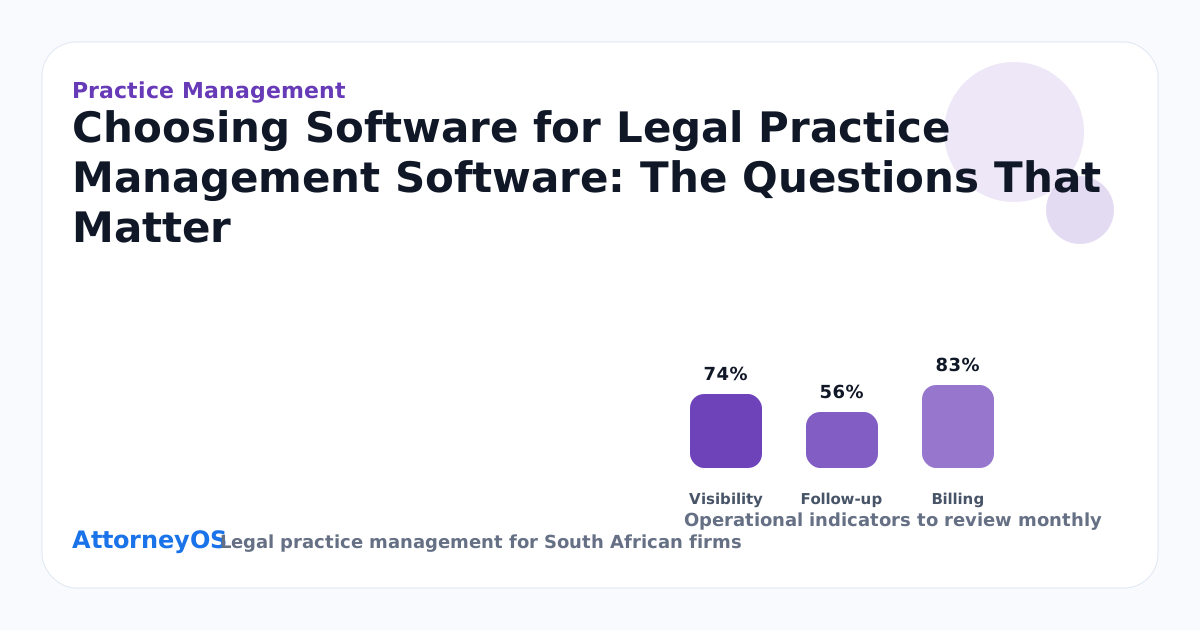
Improvement in legal practice management software should be checkable, not felt. After thirty days, pull four numbers: items captured in the system rather than in inboxes, items with a named owner and date, exceptions surfaced by review rather than by accident, and the oldest unactioned item. If those four are moving, the change is real; if they are not, the process exists on paper only — and the honest response is to simplify it, not to abandon it.
The handover test
A reliable test for any Practice Management process: could a competent colleague take over tomorrow using only what is recorded? Where the answer is no, the missing piece is nearly always context — the why behind the next step, the warning that is obvious only to the person who has carried the file. Write those two things down as a habit and legal practice management software stops depending on any single memory, which is what resilience actually means in a small practice.