Why the spreadsheet has to go
A phased plan for taking POPIA-conscious client data handling out of Excel and email and into a system, without losing a week of billable time. Every firm that tracks popia-conscious client data handling out of spreadsheets in Excel got there sensibly: the spreadsheet was fast, free and flexible, and for the first year it was genuinely the right tool. The problems arrive with scale and staff. No permissions, so confidentiality is a hope. No audit trail, so corrections are indistinguishable from errors. No link to the matters the rows describe. Most firms migrate only after a scare — commonly the day a filter hid forty rows and nobody noticed for a month.
The good news: migration is a bounded project, not a leap of faith. Done in phases, the firm keeps working throughout, and the riskiest step — cutover — happens only after the new system has already proven itself in parallel. This is the plan.
Before anything moves: freeze and clean
A moving target cannot be migrated. Freeze the spreadsheet's structure — no new columns, tabs or clever formulas from today — and spend the first week cleaning in place, because migrating mess buys the same mess with better fonts. Deduplicate the entities that appear under three spellings. Close what is actually closed. Fill the blanks that matter: owners, dates, statuses. Mark the rows that are historical archive rather than live work; they may not deserve migration at all.
Decide what the spreadsheet was actually doing
Most popia-conscious client data handling out of spreadsheets spreadsheets quietly serve three jobs: a register of things, a tracker of statuses and dates, and an informal report. Name each job, because in a matter-centred system they land in different places — the register becomes client and matter records, the tracking becomes tasks and diary entries with owners, and the report becomes something the system generates instead of something a person maintains. Migrations that skip this step reproduce the spreadsheet inside the new system, one imported table nobody looks at.
Import in dependency order
Sequence is everything, because each layer hangs on the one before:
- Clients first — the entities everything else references, deduplicated before import, not after.
- Matters second, linked to their clients as they land.
- Open items third: live tasks, upcoming dates, unpaid amounts, current statuses — the working state of popia-conscious client data handling out of spreadsheets.
- Documents and history last, and selectively: live and high-risk matters first, deep archive only if it earns the effort.
Import a sample of each layer before importing all of it, and check the sample by hand. Ten verified rows catch mapping errors that ten thousand unverified rows institutionalise.
The parallel fortnight
Run both systems for two weeks, with an honest division: the new system is written to first, the spreadsheet is updated second, from the system. That order matters — it makes the new system primary while the spreadsheet remains a safety net, rather than the reverse. Friction found in this fortnight is a gift: every awkward capture, missing field and confusing screen is cheap to fix now and expensive to discover after the net is gone.
Cutover, and meaning it
Pick the date in advance — a Monday, after a quiet Friday spent on final checks. From that date the spreadsheet becomes read-only: renamed, moved, its shortcut deleted from every desktop, kept as archive. The single biggest cause of failed migrations is not technical; it is the spreadsheet remaining quietly writable, so the firm drifts back one convenient edit at a time. If something is missing after cutover, the answer is to fix the system, never to reopen the sheet.
The first two weeks after
Expect week two to be the test. Week one runs on novelty; week two is where a busy day tempts the team toward old habits, and where small unfixed frictions get cited as reasons. Hold a fifteen-minute review at the end of each of the first two weeks: what was awkward, what was missing, what was faster. Fix what can be fixed immediately — visible responsiveness in the first fortnight buys adoption that no training session can.
The migration checklist
- Limit personal information access to people who need it for the matter.
- Use audit logs for support access, settings changes and sensitive record updates.
- Keep client-facing and internal document visibility clearly separated.
- Freeze new columns and tabs in the POPIA-conscious client data handling spreadsheet before migrating - a moving target cannot be imported.
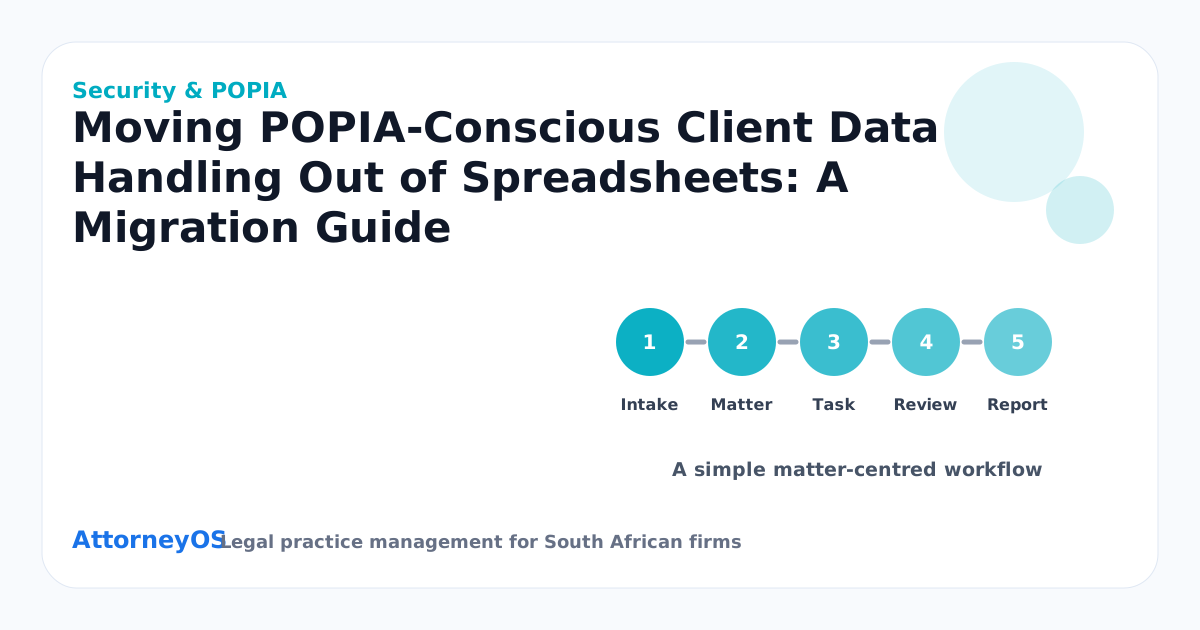
- Import clients first, matters second, open balances last.
- Set a cutover date after which the spreadsheet is read-only, and honour it.
- Use a matter-centred workspace so popia-conscious client data handling is linked to clients, matters, tasks, diary, documents, billing and reports.
- Review the process with the responsible attorney and update the matter record before the week closes.
What better looks like
A month after cutover, the differences are concrete: popia-conscious client data handling out of spreadsheets visible on the matters it belongs to rather than in a file only one person truly understood; owners and dates on everything; corrections that leave a trail; a report generated in seconds that used to consume a Friday. For searchers comparing POPIA law firms, the migration lens is a sharp one — ask every vendor to walk through exactly this import, in the demo, with your column headings.
FAQ
How long does the whole migration take?
For a small firm: a week of cleanup alongside normal work, a day or two of staged import, the parallel fortnight, then cutover — roughly a month end to end, with no week lost entirely to the project. The cleanup is the only genuinely laborious part, and it pays for itself even if migration stopped there.
What about the years of closed matters?
Migrate the index, not necessarily the contents: closed matters worth carrying are the ones that may reopen, hold precedent value, or have regulatory retention needs. The rest can live in a clearly-labelled archive export. Migrating everything indiscriminately delays the part that matters — the live work.
Ready when you are
If the firm has read this far, the question is no longer whether popia-conscious client data handling out of spreadsheets needs a proper system — it is which one, and when. AttorneyOS runs popia-conscious client data handling out of spreadsheets inside a matter-centred workspace built for South African practice: clients, matters, tasks, diary, documents, billing, trust recordkeeping and reporting in one place, with permissions and audit history throughout. The 7-day free trial needs no card: bring one real matter, run this article against it, and judge the product on your own work rather than a demo script. Pricing is published openly, starts at solo-practitioner level and can be cancelled at any time — the aim is a system the firm keeps because it works, not because leaving is hard.
Topics covered: Security & POPIA, POPIA, Security, Migration.
A note on professional duty
None of this replaces professional judgment. Popia-conscious client data handling out of spreadsheets processes and software organise the work; the attorney remains responsible for the legal content, the deadlines the rules impose, and the duties owed to client, court and profession. Treat every checklist in this article as scaffolding for that responsibility — the point is to free attention for judgment, never to outsource it.
The economics of capture
It is worth doing the arithmetic once. A missed detail in popia-conscious client data handling out of spreadsheets costs, conservatively, an hour of reconstruction: reading back through email, asking colleagues, re-establishing what was agreed. Capturing the same detail at source costs under a minute. At any realistic charge-out rate, the discipline pays for itself dozens of times over each month — and that calculation ignores the harder-to-price costs, the client's confidence and the attorney's evenings, which move in the same direction.
What the client notices
Clients cannot see the firm's systems, but they feel them. When popia-conscious client data handling out of spreadsheets is under control, the client experiences it as answers that arrive without being chased, updates that reference last month's conversation accurately, and invoices that reconcile with what was discussed. When it is not, the client experiences repetition — explaining the same thing to different people — and silence. Most clients forgive an unfavourable outcome far more readily than they forgive feeling unadministered.
Delegation needs a floor to stand on
A recurring small-firm complaint is that delegation fails — the work comes back wrong, so the senior attorney takes it back, and stays the bottleneck. Delegation usually fails on context, not competence: the junior was handed a task without the picture around it. When popia-conscious client data handling out of spreadsheets lives on the matter — history, next step, warnings — the picture travels with the work, and delegating becomes handing over a record instead of dictating a memory. That is the difference between delegation that sticks and delegation that boomerangs.
Keeping the paper trail honest
Every significant step in popia-conscious client data handling out of spreadsheets should leave a mark a stranger could follow: what was decided, by whom, when, and what evidence supported it. This is not bureaucracy — it is the firm's memory and, on a bad day, its defence. The test of a good trail is not volume but reconstructability: six months from now, could the firm show its reasoning without relying on anyone's recollection? Records made at the time, in the ordinary course, answer that question; recollections assembled afterwards do not.